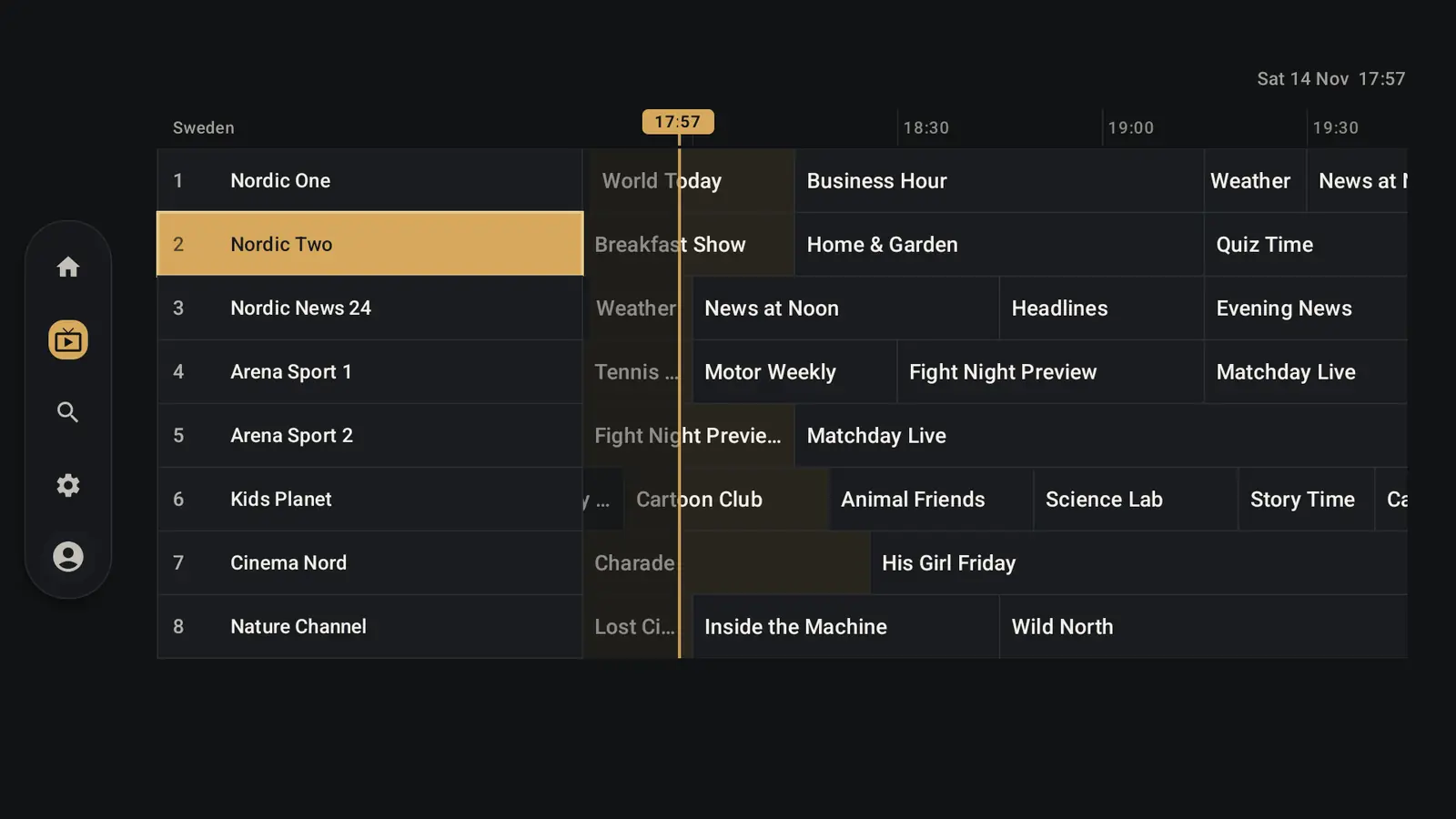
A real TV guide
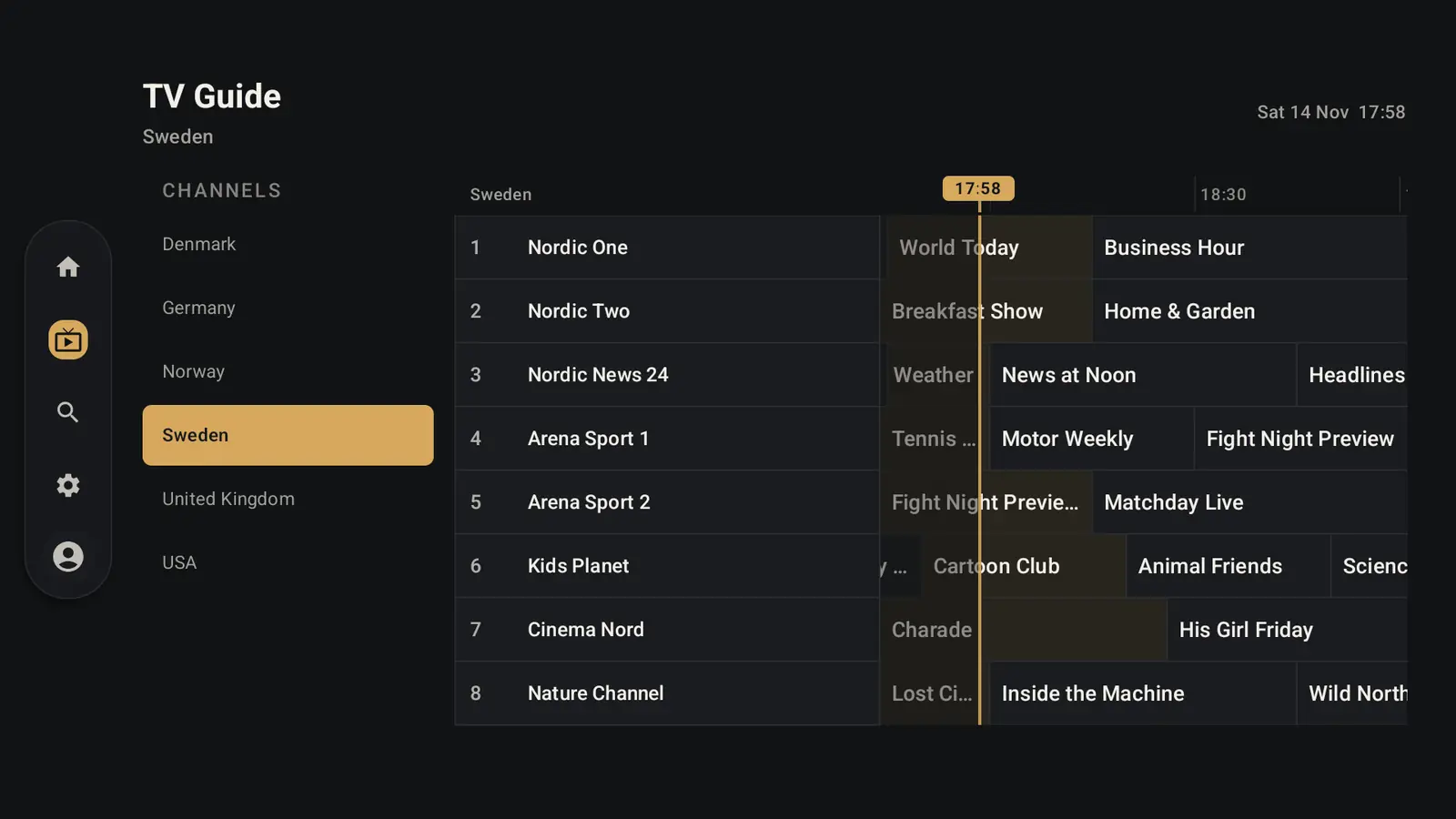
Now/next and schedules for your channels, with auto and manual refresh.
Covers about 2 hours back and 18 hours ahead. On TV, folders sit beside the time grid.
Features
A detailed look at what GroundlyTV supports. It is an IPTV client for user-supplied playlists and credentials — it does not provide video content.
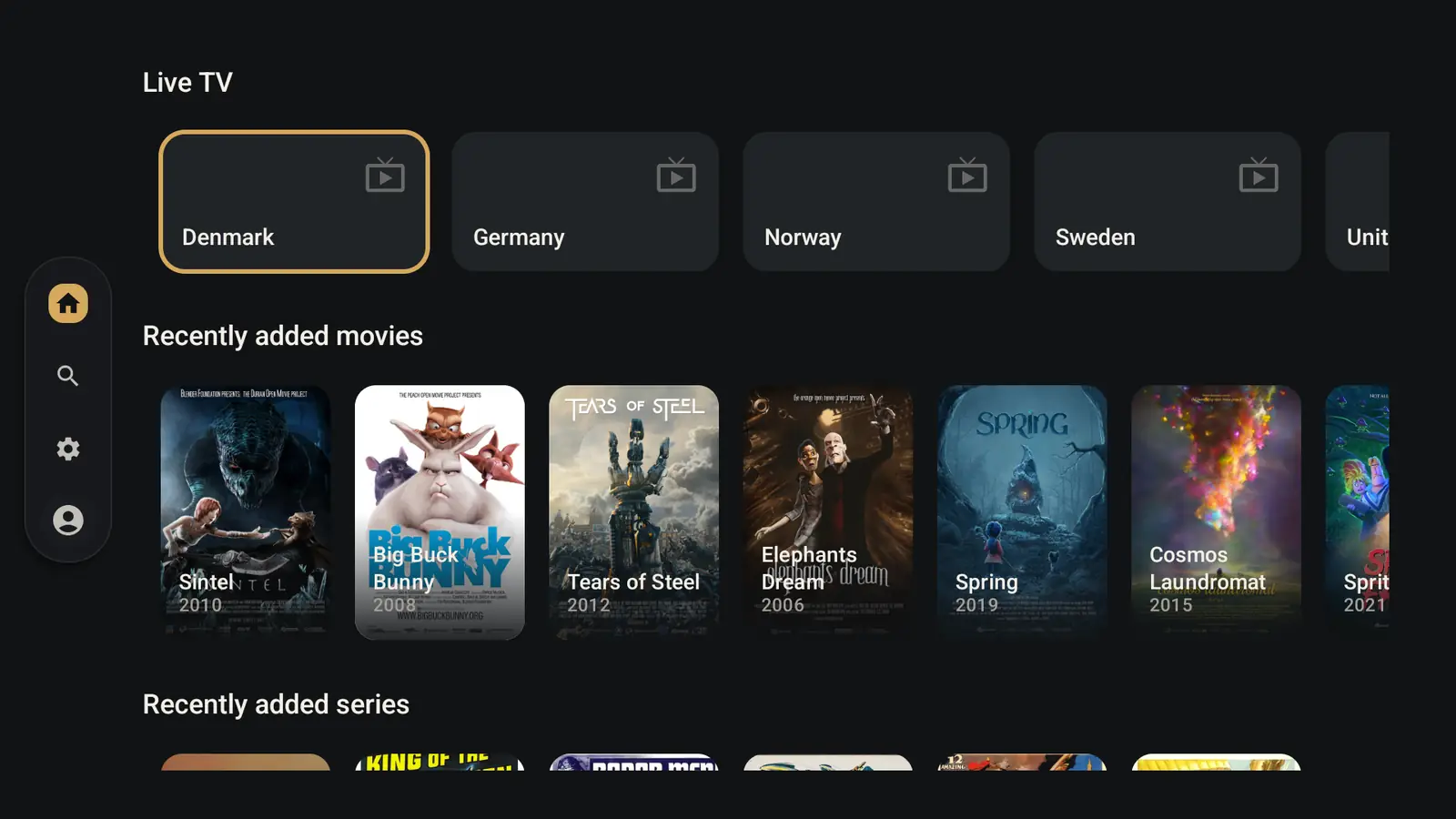
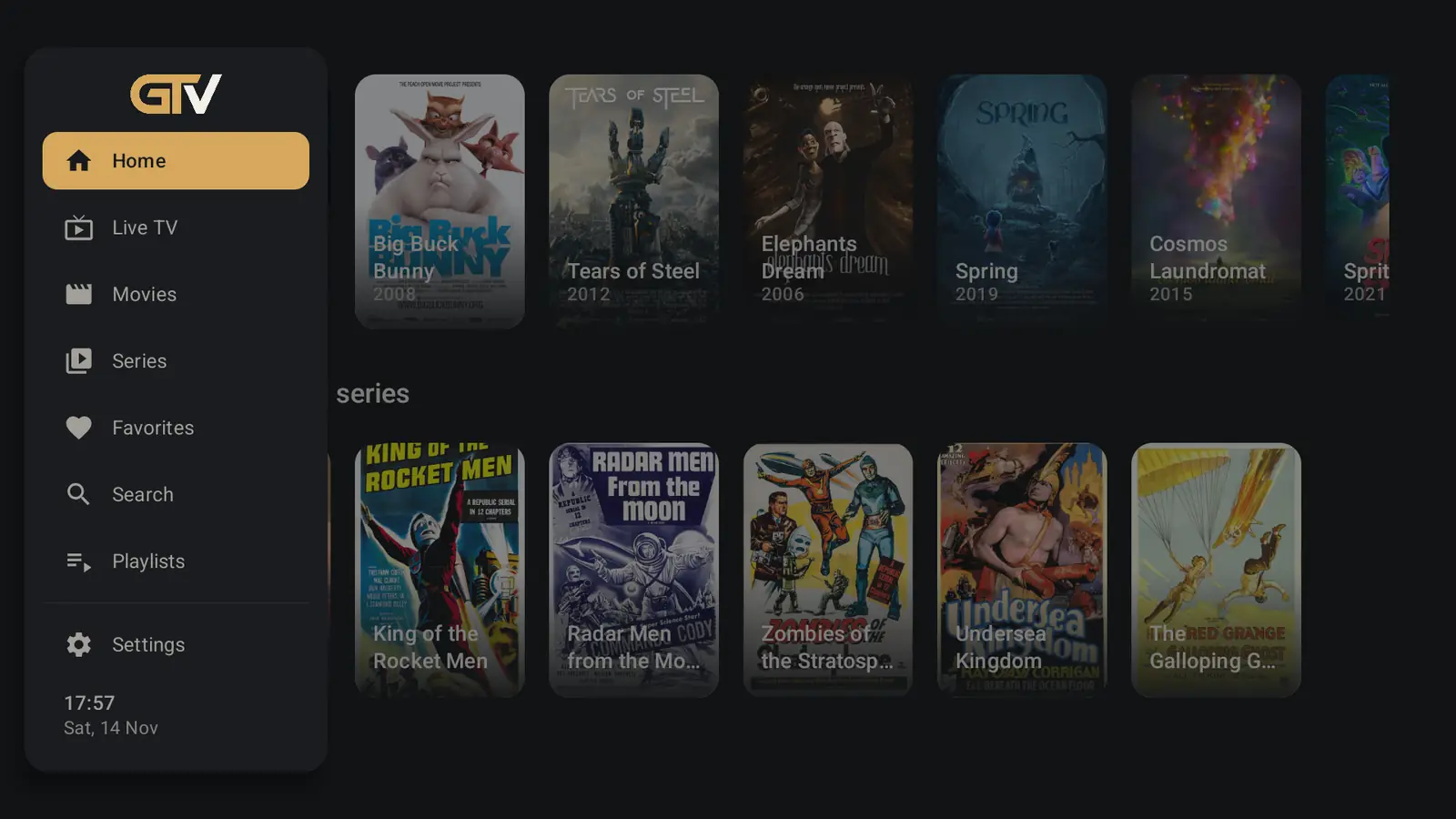
Native 10-foot TV experience and a separate touch UI for phone — never one layout stretched across both.
Now/next and schedules for your channels, with auto and manual refresh.
Plays the playlist or login your provider gives you — it doesn’t sell channels.
Save many sources; one active catalog at a time, each with its own data.
Take the tour
Scroll through the features — the screen follows along.
Now/next and schedules for your channels, with auto and manual refresh.
Covers about 2 hours back and 18 hours ahead. On TV, folders sit beside the time grid.
Choose which live countries or folders to index — per playlist.
Less clutter and faster catalogs.
Watch from the start when your provider exposes catch-up for a programme.
Availability always depends on the IPTV source.
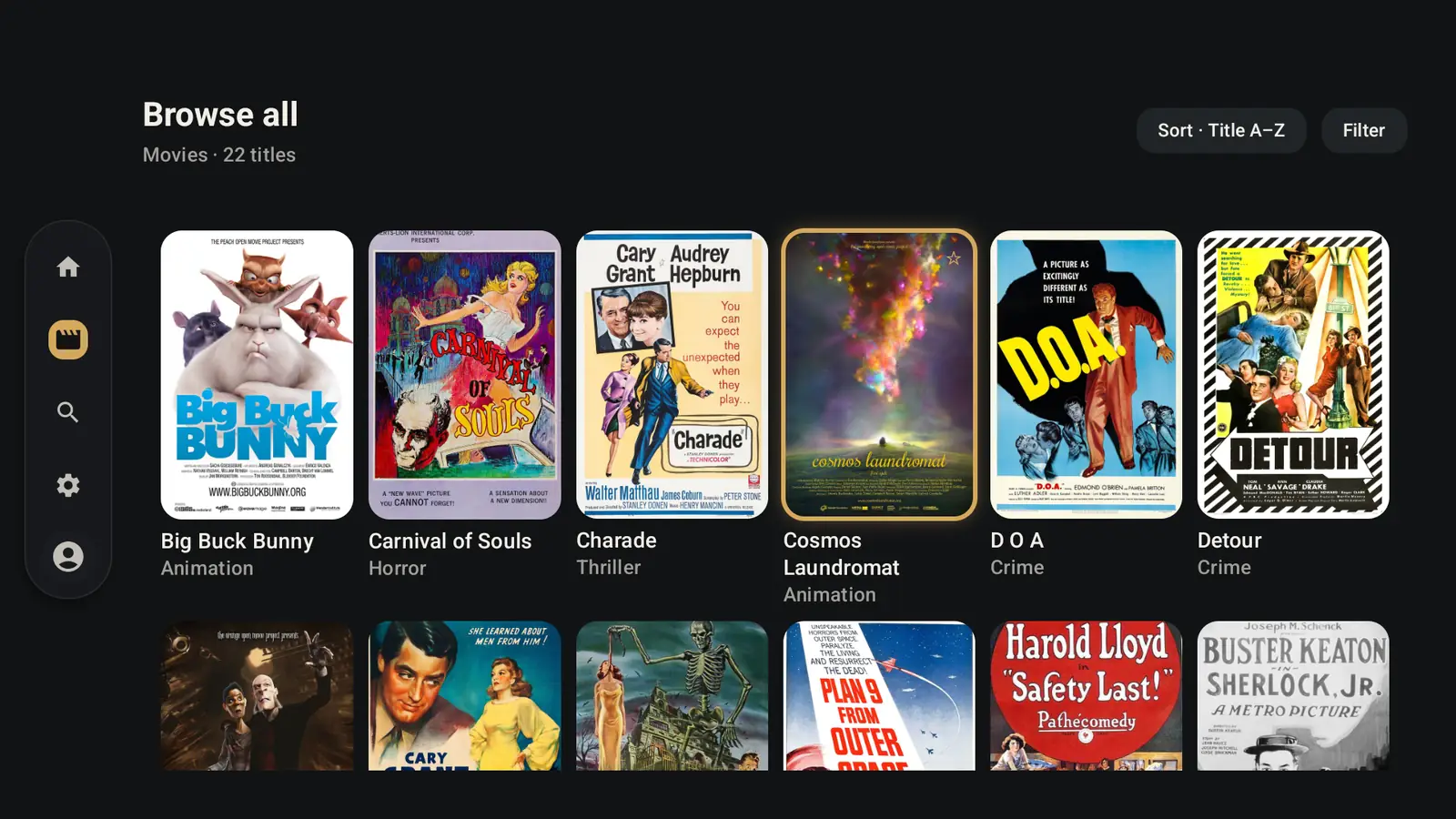
Separate hubs for movies and series from the same playlist or Xtream account.
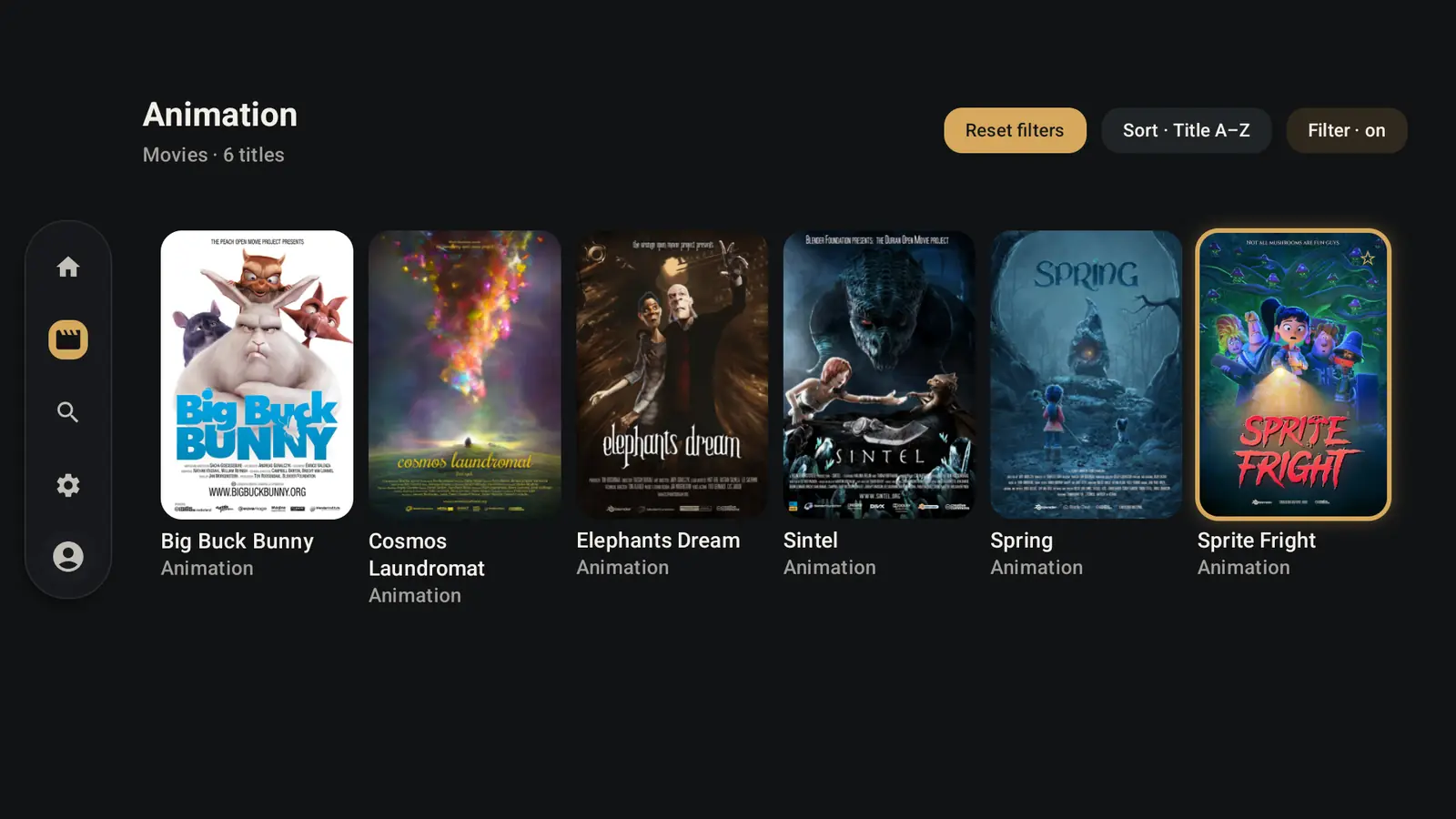
Narrow down by rating, decade, length and genre — or by favorites, unwatched and in progress.
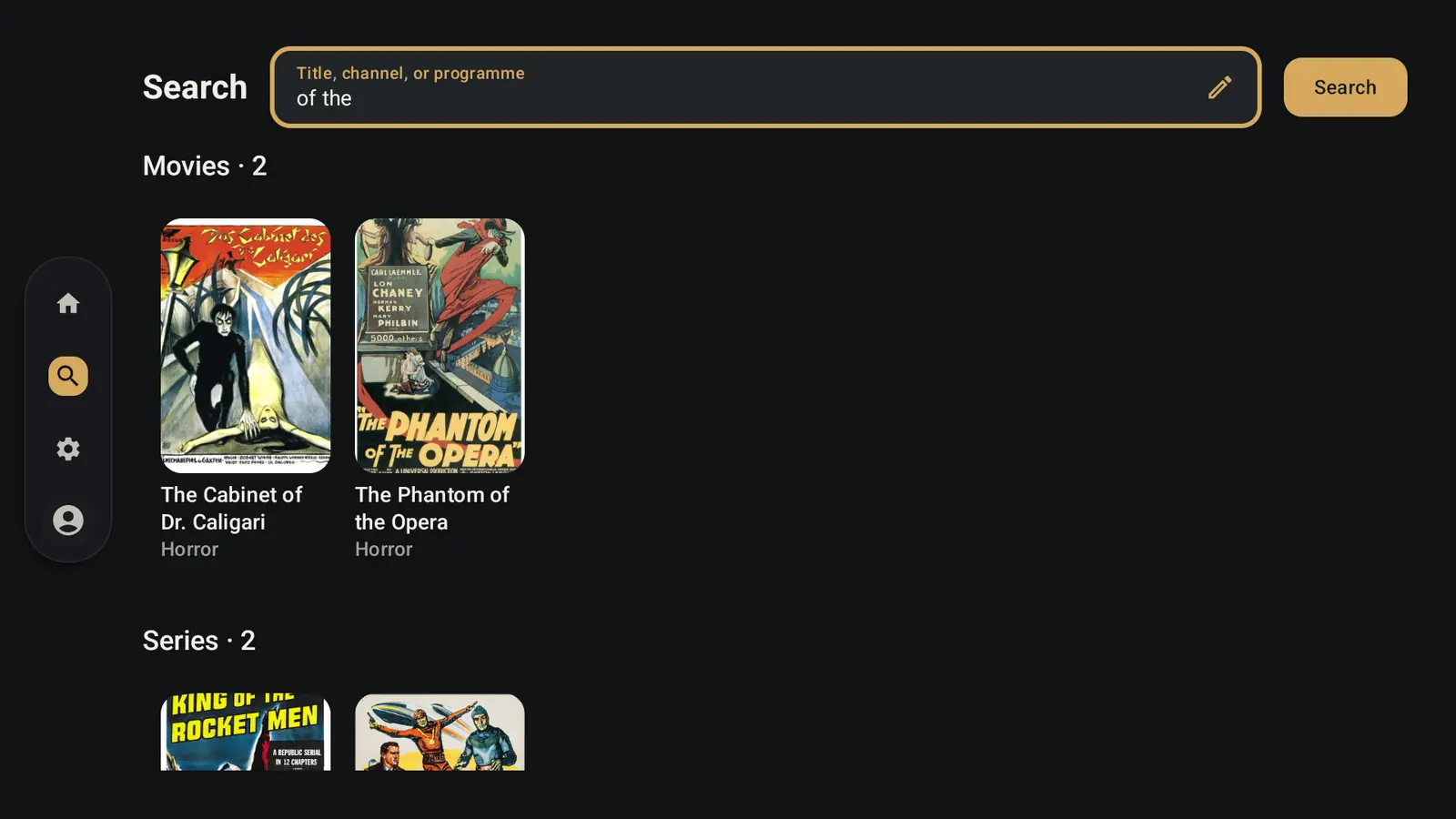
Global search across live, movies and series — plus search inside each hub.
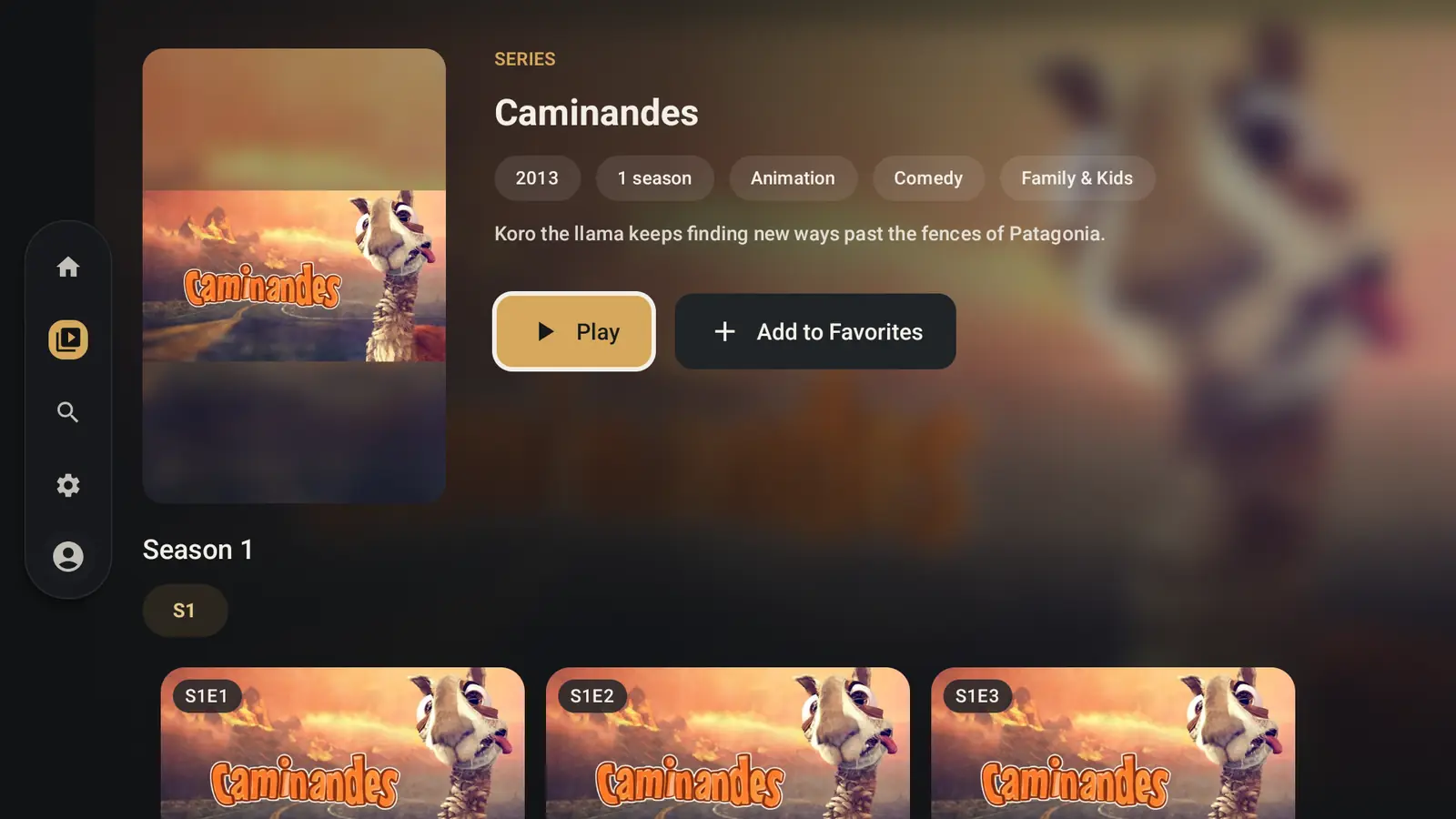
Resume from Home and title pages, and jump from the player to the series page without stopping playback.
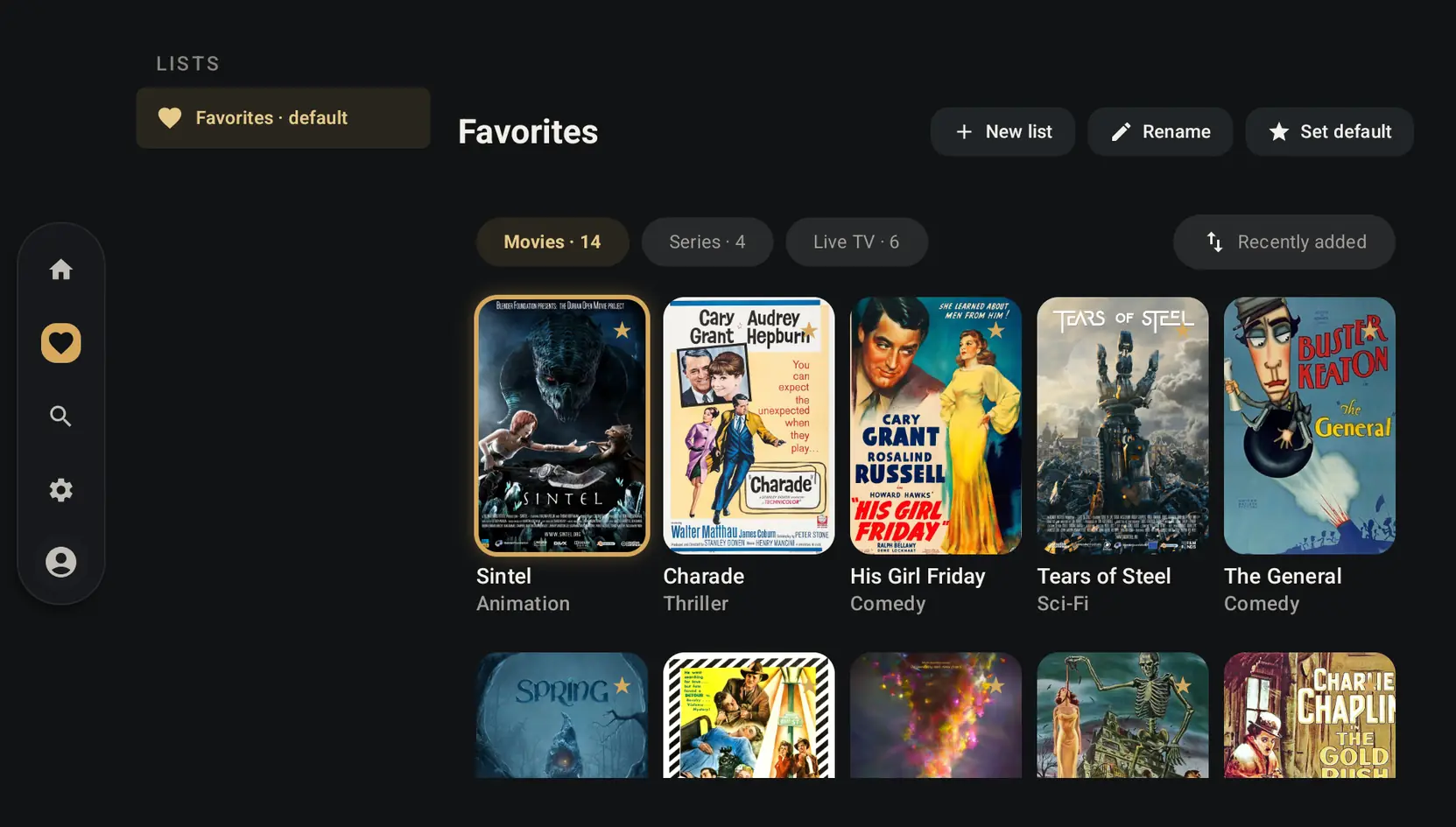
Create your own folders inside Favorites — Sports, Kids, Tonight — and mix channels, movies and series.
Save several sources and switch when you need to — each keeps its own favorites, resume points and guide.
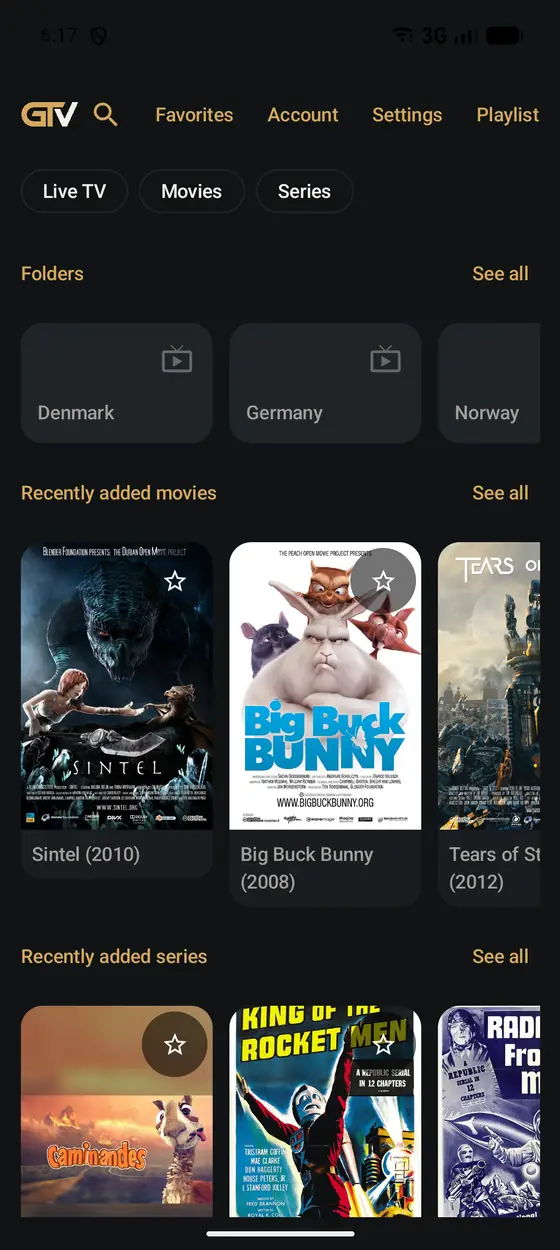
A separate phone UI with touch patterns that feel at home, and a channel schedule that opens as a sheet.
Chromecast and Google Cast, with your phone as the remote.
Supports M3U playlists, Xtream Codes API and Stalker portals. Add a playlist URL, or the server URL, username and password your provider gave you.
GroundlyTV plays what you bring — it doesn’t sell channels.
Full feature list
Home is a jump-in page with continue watching, favorites, live folders, movies, and series. TV uses a sidebar and focus navigation; phone uses Material-style touch patterns.
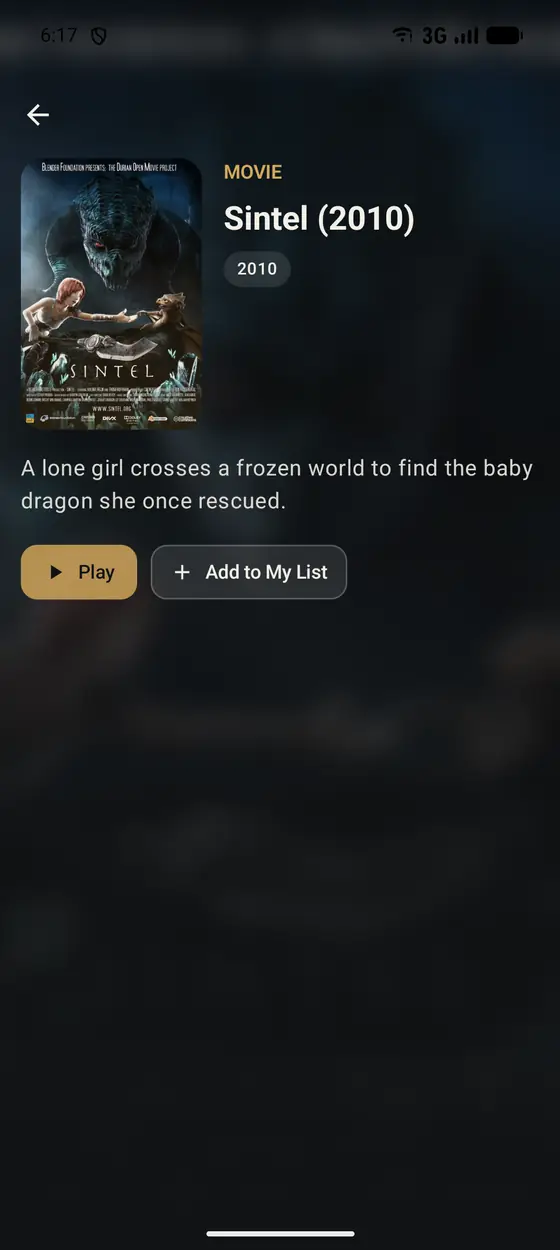
Categories come from your catalog. Series get a title page with seasons and episodes; movies open a detail page with play and resume.
Guide window covers about 2 hours past and 18 hours ahead. Live player can show now/next when programmes are cached. On TV, folders sit beside the time grid; on phone, a channel schedule opens as a sheet.
Uses playlist catch-up attributes and provider timeshift URLs when available. Availability always depends on the IPTV source.
Off by default. Choose corner and transparency in Settings → Playback. Shared preference on phone and TV.
One Favorites system with folders you name yourself. A folder can hold live channels, movies, series, or any mix. Quick star toggles the default folder; long-press manages any folder. Home shows the default; the Favorites screen manages every folder. Stored locally per playlist.
Optional auto-next episode when a series episode finishes. Works on phone and TV.
Back returns to the same player session and continues from the same position on phone and TV.
From Series or Movies on TV, search stays within that hub. Global search runs on submit (not while typing). Recent history stores submitted queries only.
Each playlist keeps its own indexed catalog, favorites, resume points, and guide. Switching to one you already loaded is a local read.
Narrow a huge provider to the countries you care about. Empty means index every country; On Demand stays fully indexed.
Supports M3U / M3U8 / HLS URLs, Xtream Codes API accounts, and Stalker (Ministra) portals for live (with light VOD when the portal provides it). GroundlyTV is a player only and includes no channels or content.
Defaults to English. Playlist, channel, and programme names stay as the provider sends them.
On Demand resumes from the phone position; live starts at the live edge. Caption selection can follow to the receiver when the stream exposes text tracks.
Catalog load uses get.php M3U for speed. Opening a title may fetch plot or cover once via player_api when missing.
No features match your search.
Start your 7-day Premium trial. Bring your playlist and watch on phone and Android TV.
Start free trial7 days of Premium. No credit card required.